

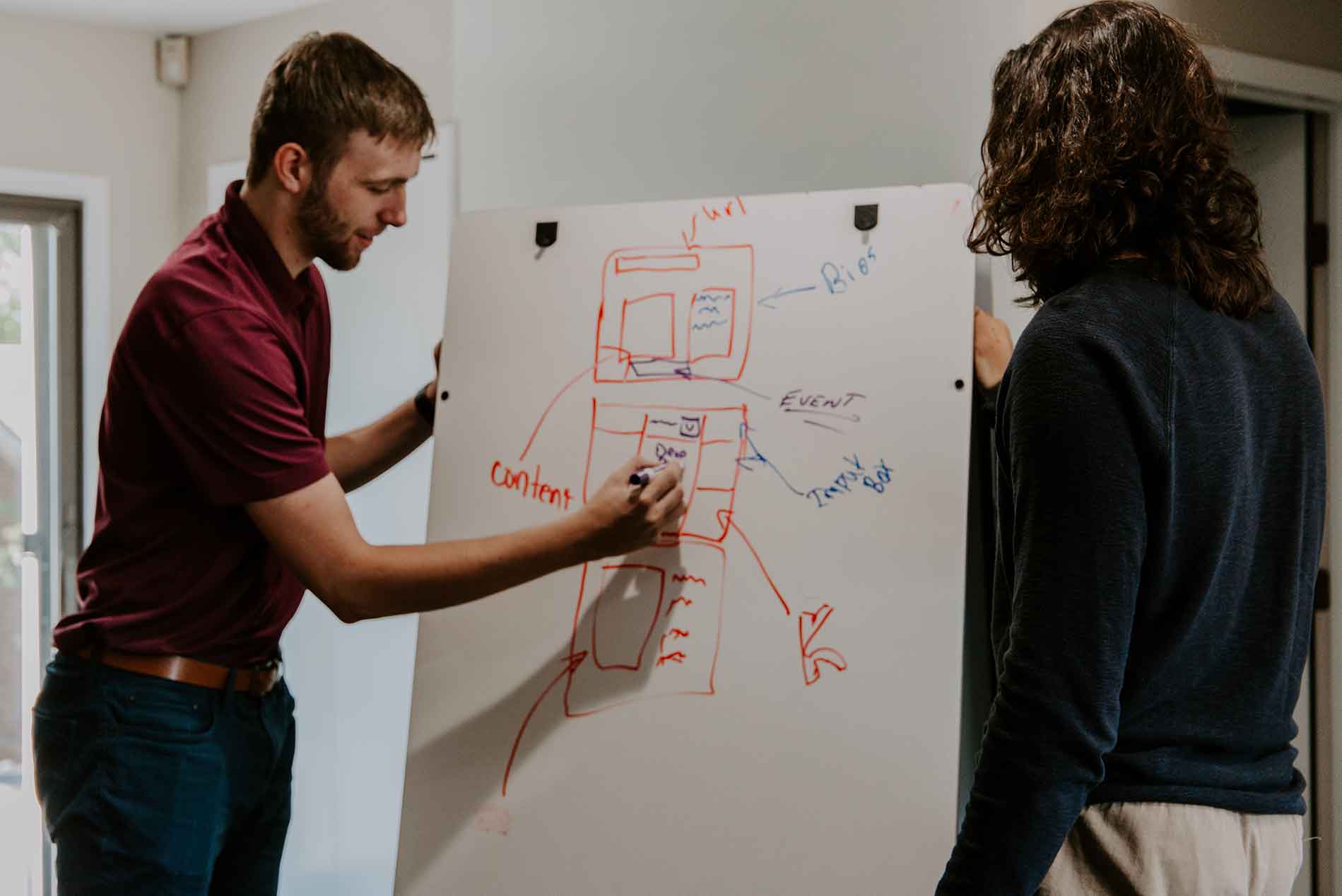
The times have changed, technology has moved on and your website is looking, tired, dated and is not converting as well as it once did. It is time for a website redesign.
Your next thought is "where do I start?".
In this post, we will take you through the four stages needed to ensure your website redesign is a success for both you and your website visitors.
Stage 1 - Decide Your Primary Goal
Choosing a primary goal for your new website is an important first step. Without a goal your redesign is not going to have proper focus and the layout will not be as effective as you want it to be.
Your primary goal will be defined by the type of website you have and what you want your visitors to do.
Typical goals for most websites will include one or more of these:
- Making the website look and feel better.
- Keeping your visitors on the website for longer and interacting with the website more intensively.
- Converting more visitors to leads or customers.
- Improving your search engine results ranking positions.
Ideally you should be aiming to make all four of the above points your goal. The design of your website is therefore key to making your website a success.
A big pitfall for many small businesses is that they choose their "look" and "layout" based upon the sales pitch of the many WordPress themes in the WordPress marketplace. This is a mistake! The best WordPress themes, like Themeco's Pro Theme, focus on functionality, not a pre-designed layout. A good theme has all the tools to allow you to easily create the killer design - but incorporates cutting edge functionality.
Remember, your first question and your main focus must be to say "what do I want this website to do?" Keep your focus on this question at all stages of the website redesign. Your design process will then reflect the primary goal.
Stage 2 - Plan The Layout
Your website's success will ultimately depend upon its layout. By layout I mean how each page's elements are displayed and positioned on the page. Layout does not include things like colour schemes, logos, images and so on. We are simply talking about the placement of elements on the page.
To do this a sketch or wireframe is created to depict the ultimate page which will be built.
A wireframe drawing or sketch will enable you to envisage the web pages without the distractions of colour, images and other design features.
Key to this planning is to remember your primary goal from stage 1. As an example, take a look at this page and you should be able to see what our main goals are.
In short, we want our visitors to get in contact with us, to become leads. Starting at the top of the page, we have an easily tappable telephone number, which (on a mobile device) will enable the visitor to instantly call us. The "Free Website Review" button takes the visitor to a page where they can request a free review of their website and SEO, which we then provide within a day or so. The Google reviews give a good idea of the satisfaction of our existing clients, so providing social proof and, hopefully, security to you.
All of the above features are, importantly, above the fold. In other words they are on-screen before you have to start scrolling and remain visible at all times.
Scrolling down the page, you will notice the "Get Our Digital Marketing Tips" contact box sticking to the right-hand side of your screen (on mobile devices this will flow to the bottom of the page). This is a very simple form, encouraging you to subscribe to our occasional emails about digital marketing - give it a go now!
Pinned to the bottom of the screen is another tappable telephone number, encouraging you to call us. Finally, in the footer is another general contact form.
This layout was carefully thought out, and since the website redesign earlier this year, the visibility of the website has risen by well over 400%.
Calls To Action (CTAs) Are Your Best Friends
Calls To Action (CTAs) are the things you want your website visitors to click or tap on. CTAs need to be prominent and inviting to your website visitors.
As we have see in the previous section, this page has four CTAs visible, either permanently, or after a short scroll - the telephone number in the header and at the bottom of the screen, the "Free Website Review" button and The "Get Our Digital Marketing Tips" subscription form.
Many websites keep their main CTA lost down in the website's footer where it is unlikely to be doing any useful work. Keep your CTAs spread around the website in places to which the eye is easily drawn.
Get In Touch
Logos Are For You, Not The Website Visitor
Most businesses spend loads of time trying to get their logo in the right place on the website's header and making its colours perfect.
Forget it! The logo takes up valuable space and will not encourage a visitor to engage with any of your goals.
On this website the logo is larger than we would usually use, but for a valid reason. That reason is so that snippets of our Google reviews can be displayed above the fold. Notice though that as soon as you scroll, the logo disappears and you are just left with the CTAs and social proof.
Make Good Use Above The Fold
We have already mentioned the "above the fold" section of your website. This is the screen's real estate displaying on the screen before you start scrolling down the page.
Above the fold is the most important area of every web page. It is the page's shop front to tell the visitor exactly what the page is about, trying to capture their attention and encouraging them to take action to engage with you through the CTAs.
A common mistake business owners make is to expect the visitors to read through loads of (hopefully compelling) content extolling the virtues of the product or service on offer, leaving the Call To Action at the end of the page.
This is not good practice. Most website visitors will not have the patience to read everything on the page. You need to capture their interest at the earliest opportunity. This means that above the fold you need to make it clear to the visitor what the page is about and provide the opportunity for the visitor to take an action.
Perfect Your Menu
Menus can be used to give a clear indication of what your website visitors can expect on each page. However, make sure each menu tab is labelled clearly and as concisely as possible. Additionally, don't overload the menu. Try to keep the number of options available to the visitor to a minimum. We try to keep our menu down to seven options in any segment.
Stage 3 - Content
At stage 3 it is time to think about content. Content includes any element to be used on each web page - text, images, videos, CTAs and branding.
Gathering together your content at an early stage allows you to see what the make up of each page will be like, allowing you to keep the core goals of the website firmly in the foreground of the website redesign process.
The danger of bringing in content after creating your website's design is that the content will force a change to the design as you go along. This potentially has a detrimental knock-on effect to your goals.
When choosing images for the website, make sure they are high quality. It is worth the effort and cost of commissioning professional photographs to be taken, or to use stock images. Images can make or break a website, as they will reflect strongly in your visitor's mind about your business.
Stage 4 - Get Designing!
As you have seen, we have already done a load of work before we even get to the design starting blocks. Hopefully you have understood why the first three stages are so important for your redesigned website.
To recap, you have set your goals, created your basic layouts and brought together your content. With all of that in place you can now do the pretty stuff with colours, emphasis and other design ideas to make the website stand out in the crowd.
Colour, shading and texture can help your CTAs be inviting to click or tap, whilst emphasis and highlighting of important messages on the page can be brought to the fore. Let your design be imaginative! It can be as you have already sorted out the things which will make your website enticing, successful and able to convert well.
More Web Design Information
Redesigning a website is not as straight-forward a task as you may think. Professional help and guidance will really help you make a success of the website redesign process.
If you want to find out more about a website redesign project you are about to embark on, we would love to help support you. We offer web design services as well as training courses or WordPress coaching sessions to provide you with the support you need. Just get in touch! We look forward to hearing from you.
Get In Touch
Frequently Asked Questions About Web Design
Get Our Digital Marketing Tips
Receive tips, tricks and ideas for your digital marketing straight to your Inbox. Just add your email address below.
Get In Contact
About The Author
Christopher White
 Christopher White is the founder of Cotswold Websites. An accredited digital marketer and website designer, he has over 18 years of experience in creating bespoke websites.
With a background in international logistics and business analysis, Christopher uses his business experience to advise organisations how their website can and should work for them, along with helping them implement business strategies to use Digital Marketing techniques to boost their public exposure.